


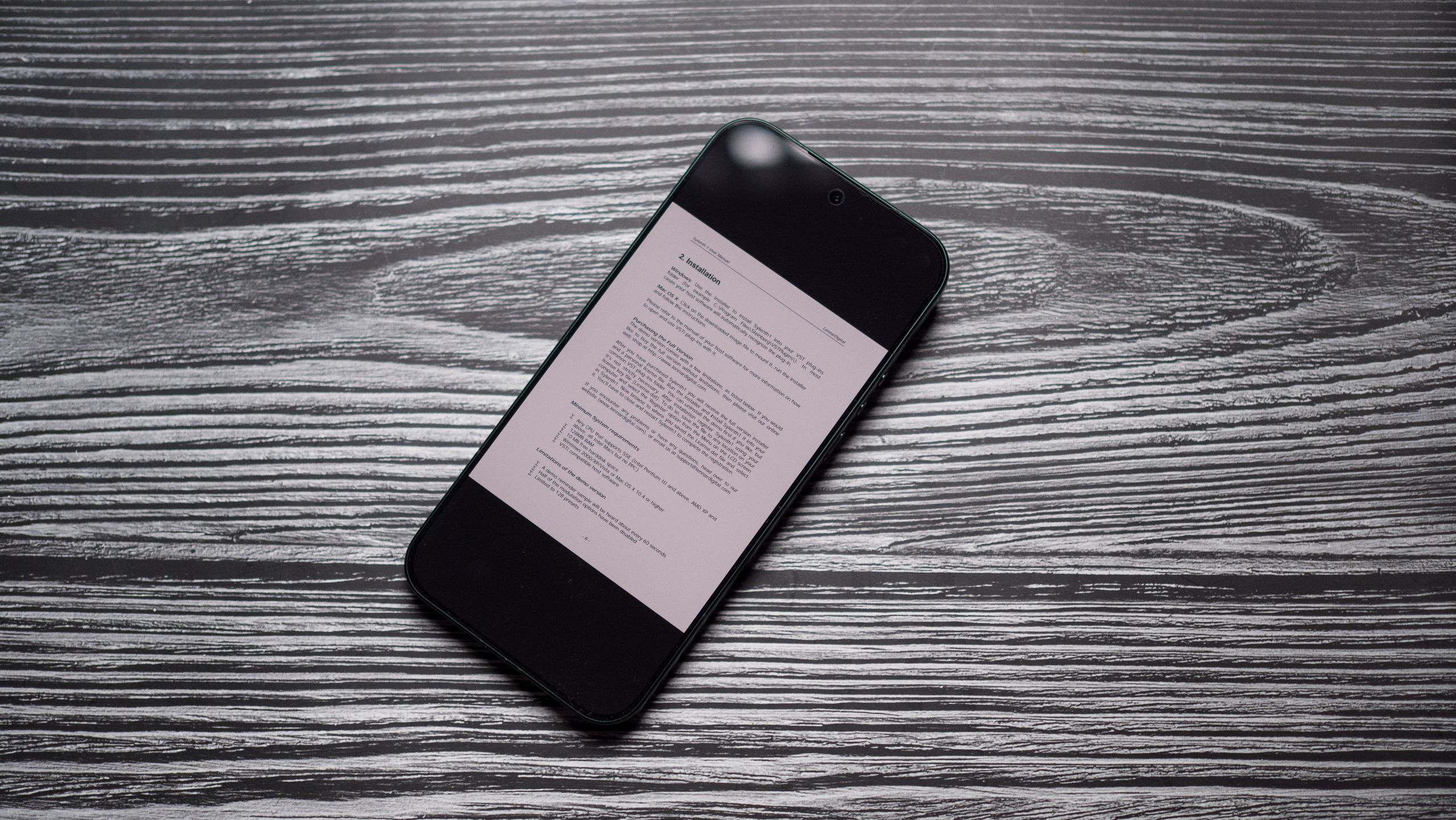
I like to read a lot, and when I’m about to travel, my Kobo e-reader is the last thing I pack in my bag. But I forgot to do so on a recent trip, and I only realized my mistake as I got to airport security. Thankfully, I was using the Xiaomi 17 Ultra at the time, so I wasn’t too worried.
That’s because Xiaomi has a dedicated Reading Mode, and it is great to use. Other brands also have a similar feature, but Xiaomi does it better than just about anyone else, and it makes reading on the 17 Ultra so much more comfortable. The feature lets you turn the entire screen monochrome, and when you turn down the brightness of the panel, it’s easier on the eyes — the effect is similar to using an E Ink device.
Article continues below
Reading Mode makes a huge difference on the Xiaomi 17 Ultra

Reading Mode has been a mainstay on Xiaomi phones for close to a decade now, and the brand built out this feature in recent years. The default Cycle option automatically adjusts colors based on what you’re using and according to the time of day, switching to warmer hues at night to make it easier to use the phone.
I like the Classic option; in this mode, you can either turn the entire screen monochrome, or tone down the colors to make it a little easier to read, or use the full-color option. In all three options, you can manually adjust the color balance, so if you prefer the panel to be warmer, you can do so.
Another nifty inclusion is a Texture slider that lets you achieve a grainy effect, mimicking the feel of an e-reader. You can adjust the intensity of the effect, and it makes a difference if you’re reading a book on the device.
How to enable Reading Mode
Reading Mode is baked into the phone’s settings, and it’s straightforward to enable on the 17 Ultra:
- Navigate to Settings.
- Go to Display & brightness.
- Navigate to Reading mode.
- Toggle it to On.
- Choose the option you want. I like using the monochrome mode, so I go to Classic, and choose Black and white in the color options.
Although this isn’t a new addition, I haven’t used my phone to read in a really long time, and it wasn’t until I tried doing so on the 17 Ultra that I realized just how good it is. If anything, I’m using the 17 Ultra as my daily driver because it’s just so convenient to read on the device.
Of course, the Xiaomi 17 Ultra gets a lot right besides this feature; as an overall choice, it is much better than the Galaxy S26 Ultra — you get a bigger battery, better design, the cameras are on another level, and the phone is built to last.

Xiaomi did a great job with the 17 Ultra, and it is one of the best phones of 2026. The cameras are better than what you get with Google and Samsung’s flagships, you get a huge battery, and all the extras you want.