


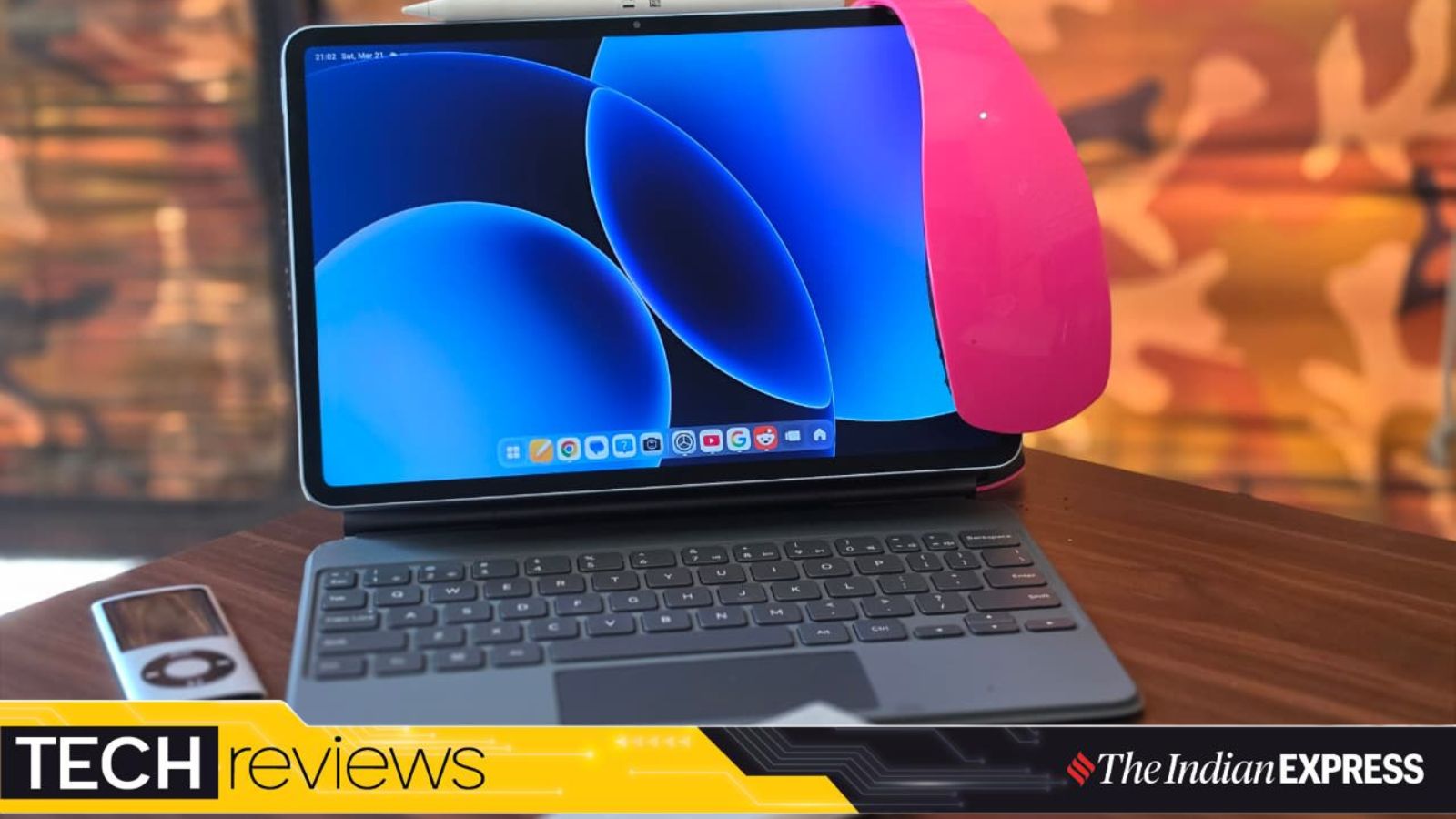
Among the mainline tech product categories, I find tablets to be the most complex devices. Honestly, I never fully understood tablets, and I am sure it’s the same for many people. In fact, they aren’t as simple as they should be and are gradually becoming closer to laptops, yet they haven’t fully become the personal computers they were intended to be.
I see tablets as sitting somewhere between a phone and a laptop, and companies acknowledge this, which is why they position them as productivity devices. I don’t think that’s changing anytime soon, but it’s fascinating to see a market for such devices. However, it remains to be seen how much impact the new Apple MacBook Neo might have on the tablet market.

That being said, Xiaomi is once again trying to position its new Pad 8 as a device you can use for both work and play. It is not a new strategy per se, but the idea hinges on how the Pad 8, with the right accessories, can be seen as a lightweight laptop alternative.
Having had the Xiaomi Pad 8 for a while now, here’s my take on the pros, cons, features, and accessories as someone who uses it daily.
What: Xiaomi Pad 8 | Price: Rs 33,999 onwards for the base version; the Focus Keyboard costs extra and retails for Rs 8,999. There’s also the Pad 8 Keyboard for Rs 4,999 and the Focus Pen Pro for Rs 5,999. I reviewed a variant with a Nano Texture Display, priced at Rs 38,999.
Slim and lightweight
The Xiaomi Pad 8 doesn’t reinvent its design language in this new generation, so the new version looks almost identical to the previous model. I am not complaining either. If you have already seen the Xiaomi Pad 7, you already know what this one feels like. It’s light for its size, has a fairly premium aluminium chassis and is very much in keeping with how modern tablets have evolved.
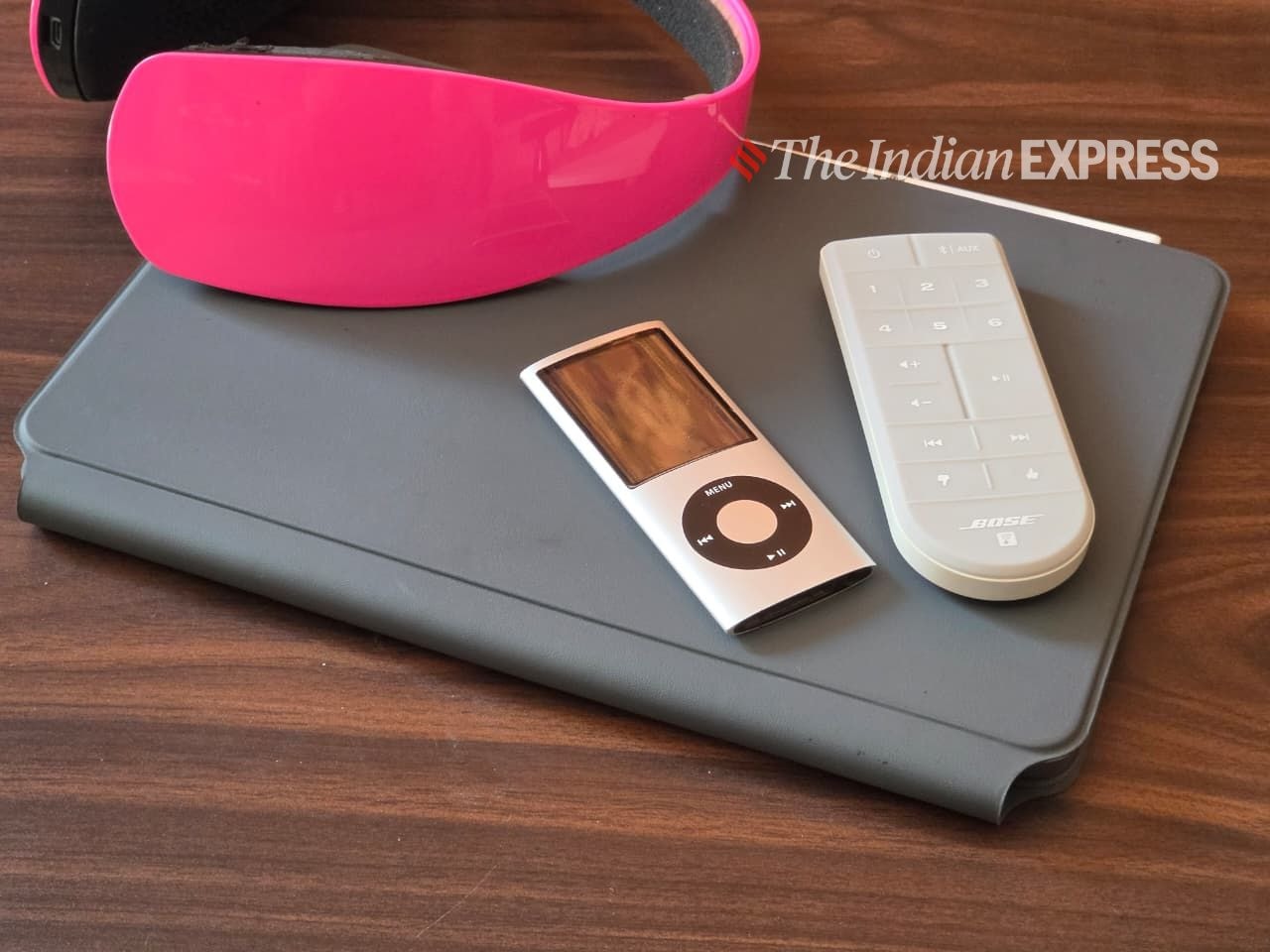 The Xiaomi Pad 8 with the Focus Keyboard, which also doubles as a protectice case. (Image: Anuj Bhatia/The Indian Express)
The 11-inch size also remains the same. I am not a huge fan of 11-inch tablets. Since I am so accustomed to using a 13-inch notebook, it takes some time to adjust to the 11-inch form factor. The adjustment varies from person to person, but since I use the Pad 8 more for work, like writing and researching, the 11-inch size may require some getting used to. However, if you are using the Pad 8 primarily for media consumption and have used tablets before, the 11-inch size wouldn’t be a challenge and doesn’t come as a shock.
Story continues below this ad
The Pad 8 differs slightly from the Pad 7 in how light and slim the new version feels in real life. Xiaomi sent me a variant with the Nano Texture Display (more on that later), which is 5.8mm thick and weighs 494 grams. The tablet’s overall smaller size makes it better for taking on the go and sliding into a pocket or a bag.
There is an 8-megapixel front camera, which is perfectly fine for video calls. The front camera kept me looking sharp on Zoom calls. One small but neat feature is that when the camera is on, an LED light turns on. This lets you know when your tablet is active, partly for privacy reasons and partly to ensure you don’t leave it on by mistake.
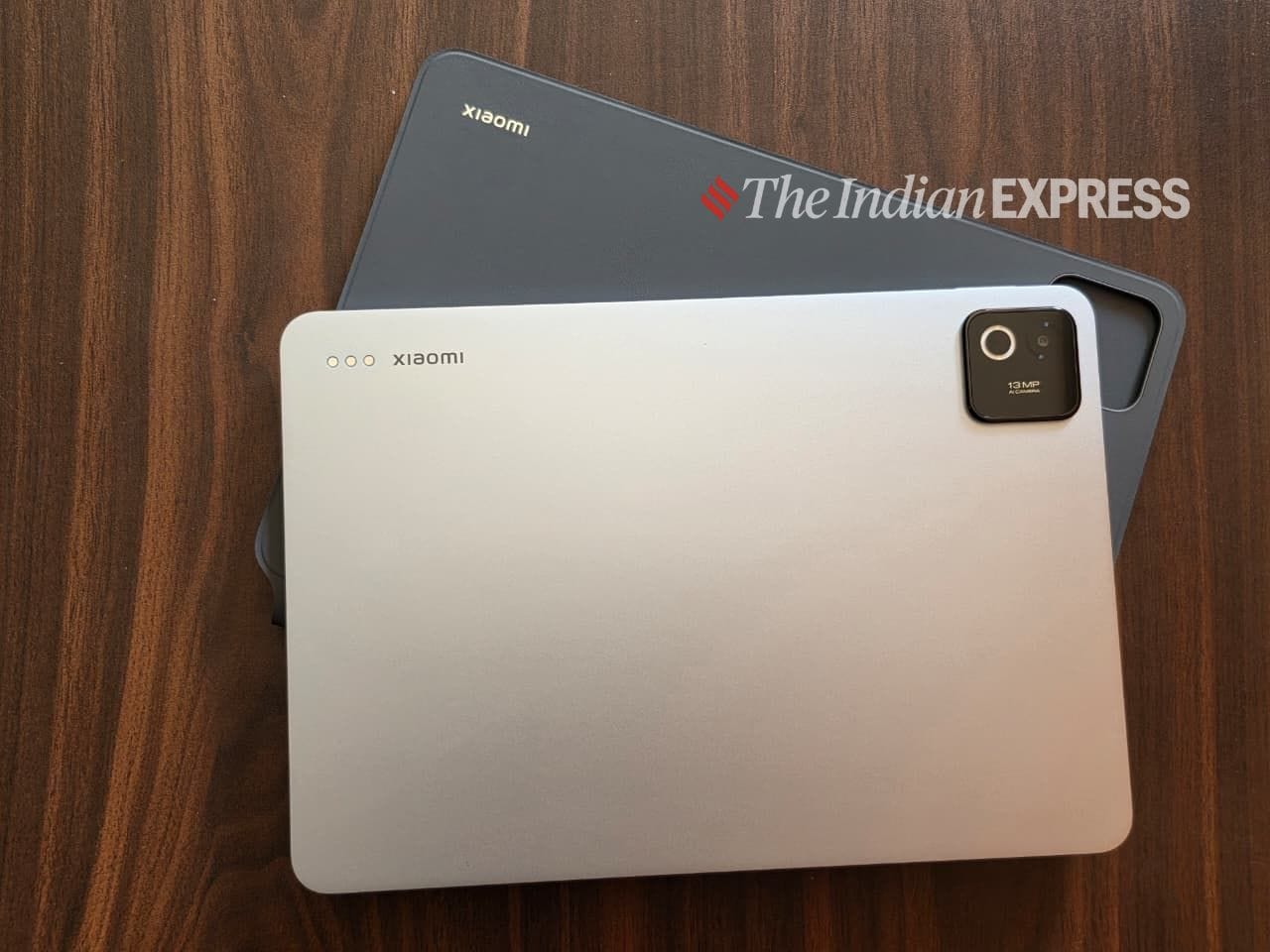 The slim aluminium shell is staple with modern, premium tablet design. (Image: Anuj Bhatia/The Indian Express)
On the other side of the tablet is the rear camera, which is 13 megapixels. I don’t usually take photos with a tablet, but I have seen people using them to take pictures and shoot videos at concerts. Aside from that, the Pad 8 has buttons on the side to adjust the volume and a button on the top to lock the tablet. There’s a USB-C charging port at the bottom and speakers on either side.
Accessories give you a laptop-like experience, but at a cost
The tablet is also compatible with the new Focus Keyboard and Focus Pen Pro, both of which cost extra. Although neither of these accessories is included, if you want to use your Pad 8 as a laptop replacement in the future, they add significant value to the overall experience. I had the chance to test both accessories with the Pad 8.
Story continues below this ad
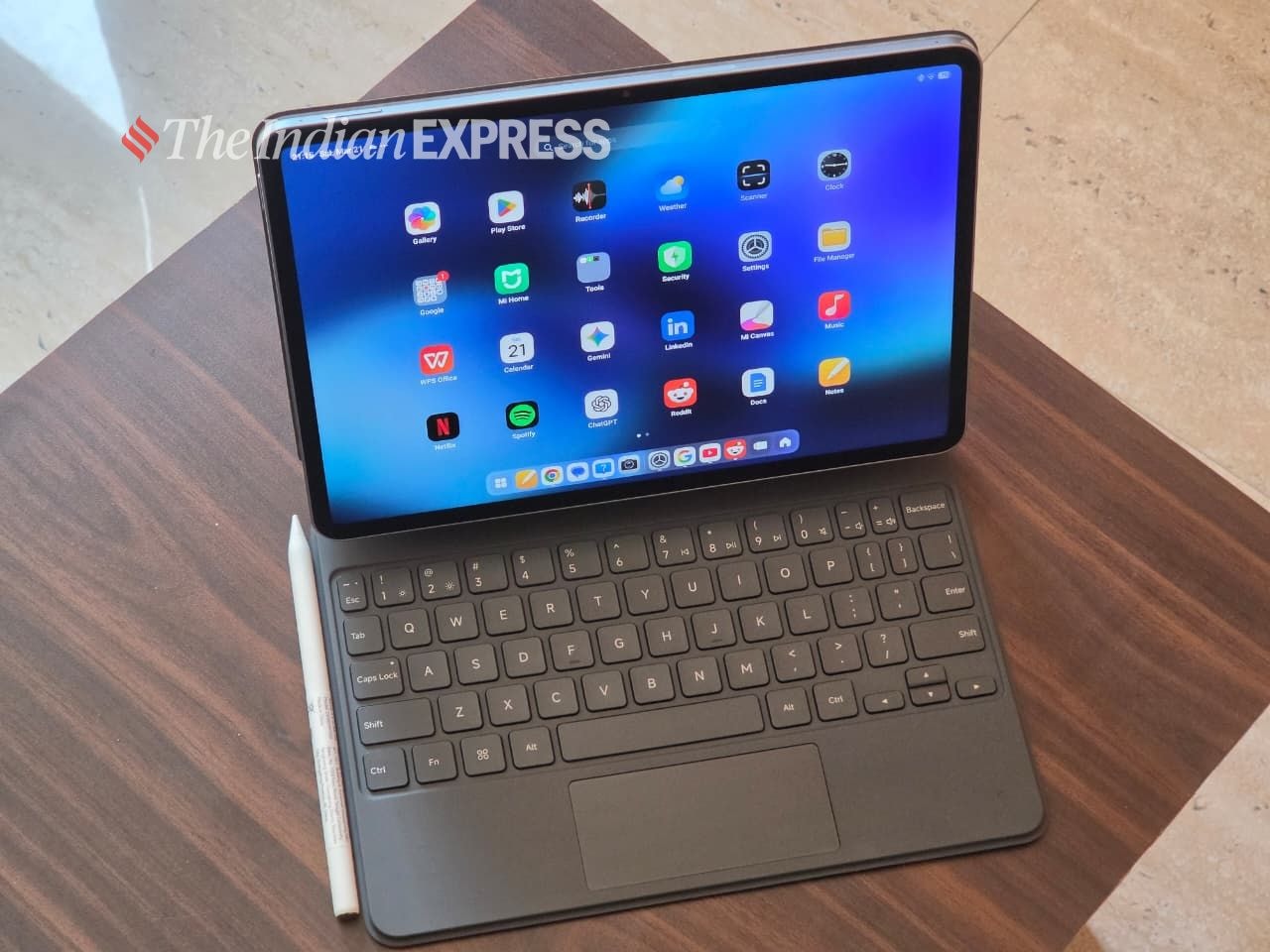 The Focus keyboard is made of a rubbery grey material. (Image: Anuj Bhatia/The Indian Express)
Perhaps the most surprising thing about the Focus Keyboard for the Pad 8 is that it isn’t designed to replace a laptop. Rather, it is designed to give the tablet a laptop-like feel, and it impressed me. Like a laptop, you open it at one go and the hinges extend as far as they can and then stop.
The same applies when closing the tablet—you grab the top of the screen and push down until the whole thing closes. It’s smooth and laptop-like. It also has a trackpad, albeit small in size but workable, and the keys are backlit. The backlighting is a plus and turns on automatically in low light.
The cool thing is that when you place the tablet on the Focus Keyboard, the Pad 8 floats above the keyboard, magnetically attached to a hinged backplate. In fact, the keyboard is designed to make it easier to reach up and touch the display, something similar to what Apple has done with the Magic Keyboard for the iPad.
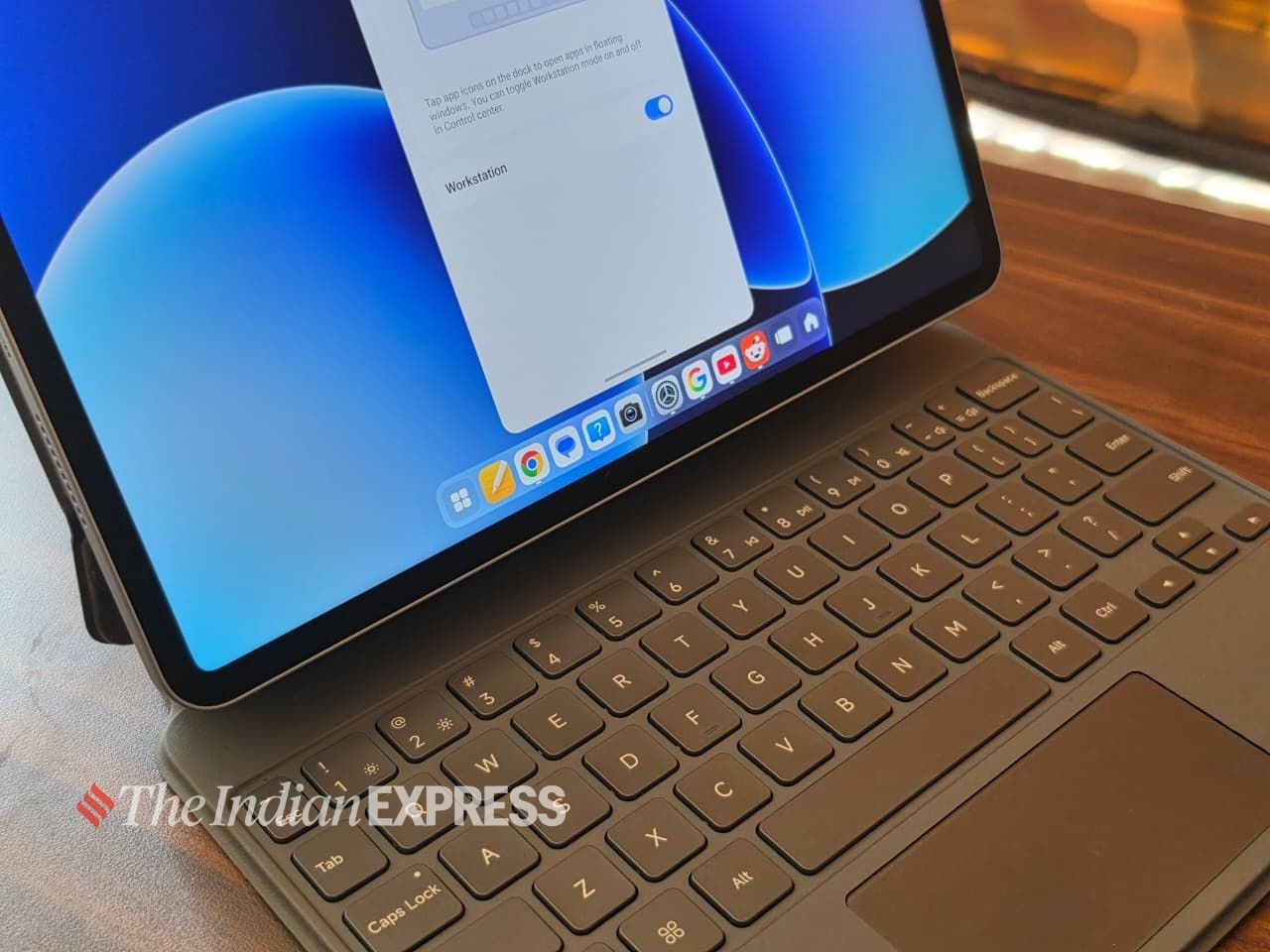 Workstation mode is aimed at providing a PC-like experience. (Image: Anuj Bhatia/The Indian Express)
Speaking of the keyboard, it is indeed good. The keys are spacious and clicky, and I wrote this review on the Pad 8’s Focus Keyboard. That said, it still isn’t able to fully replace the keyboard you get on a laptop. For someone like me, who spends hours writing, both speed and accuracy are important. If the Pad 8 came in a 13-inch size, the Focus Keyboard would have been much better. After using the Focus Keyboard for several days, I still find myself missing a classic laptop keyboard.
Story continues below this ad
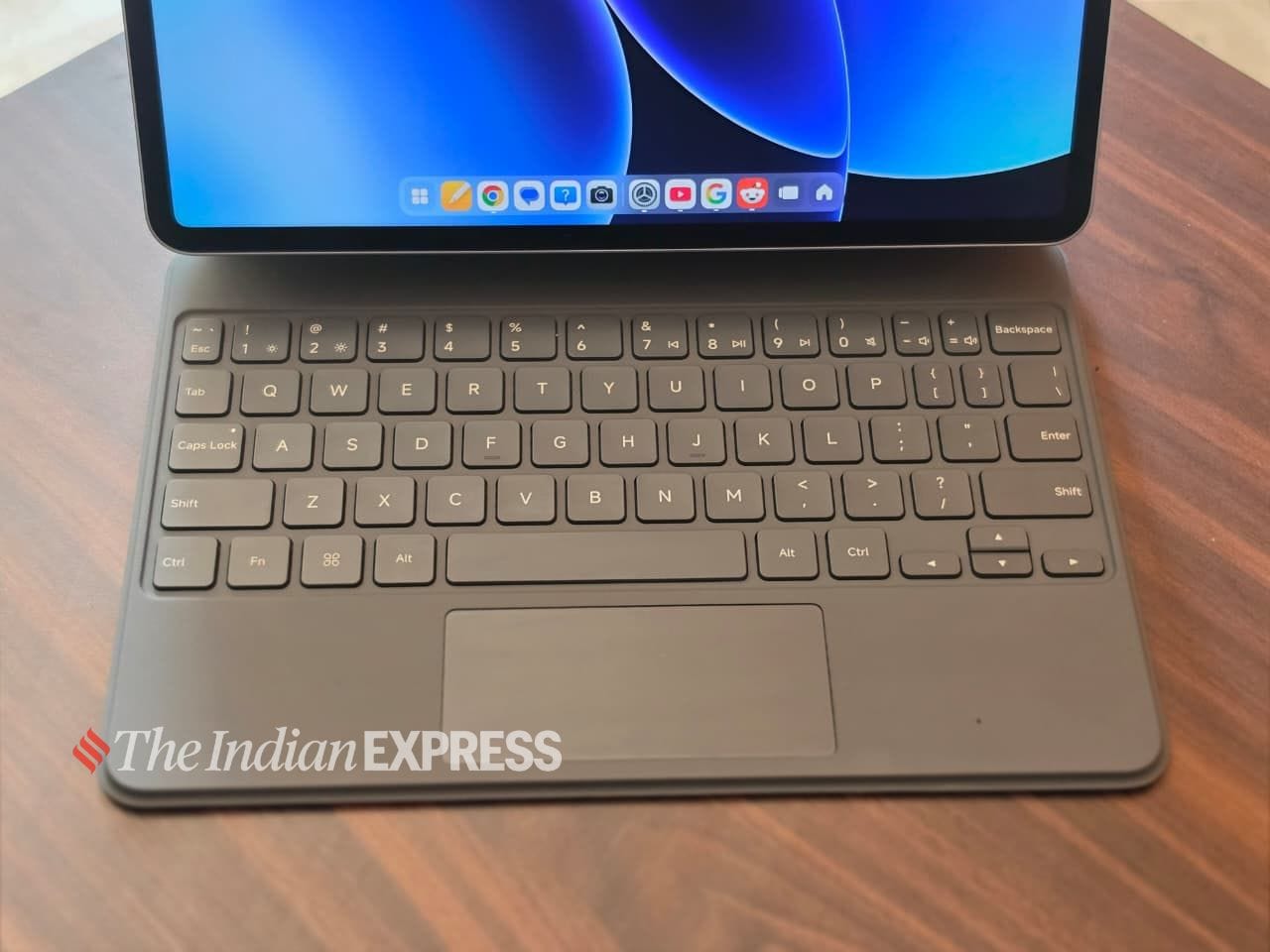 The Focus keyboard has the keys with a good travel and well as a trackpad (Image: Anuj Bhatia/The Indian Express)
Then there is the Focus Pen Pro stylus, which neatly attaches to the edge of the tablet magnetically, where it charges wirelessly. I am not into sketching or drawing, but I do use a stylus to take notes. These days, perhaps the most common use case for a stylus for me is signing important documents digitally.
Great display and speakers
The Pad 8’s 11.2-inch, 3.2K 144Hz display delivers an excellent viewing experience, whether you are watching videos, viewing pictures, or taking notes. There’s no OLED, which is understandable, but the LCD performs well for most users. As I mentioned earlier, my test unit came with a Nano Texture Display, which minimises glare.
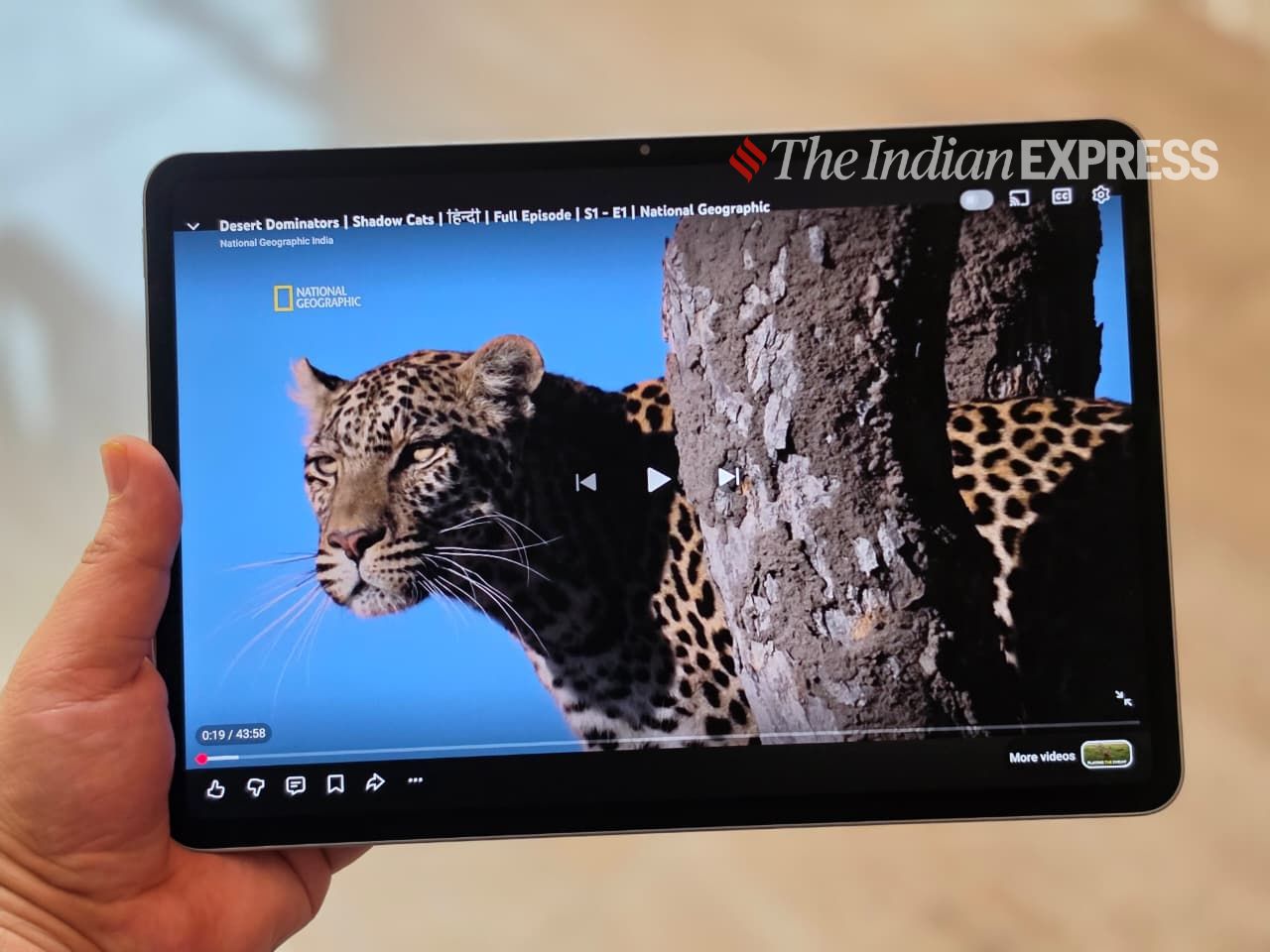 I enjoyed satisfying pops of colour when watching YouTube videos on the Pad 8’s display. (Image: Anuj Bhatia/The Indian Express)
Think of it as a matte display compared to a glossy one, and there are definitely some advantages. It is also bright enough for working in well-lit conditions, especially if you like to work from a café. Complementing the strong display is the speaker system, with stereo speakers that were perfect for binge-watching videos or podcasts.
Better performance than I expected and good-enough battery life
Performance remained super smooth during my testing period, which lasted several days. The Snapdragon 8s Gen 4-powered Pad 8 effortlessly handled the tasks I typically do on my laptop, never slowing down even when I juggled roughly a dozen apps, including Google Docs, WhatsApp Web, Spotify, Notes, Photos, and a ton of Chrome tabs. I also tried Adobe Express apps for editing.
Story continues below this ad
What also contributed to the smoother performance was the built-in 12GB RAM on my test unit. There is a noticeable difference in performance between 8GB and 12GB of RAM. If you are primarily browsing, streaming, and taking notes, you won’t notice much difference. But if you push the tablet harder, particularly with a multi-window workflow, the additional memory provides much-needed breathing room. So choose the variant accordingly.
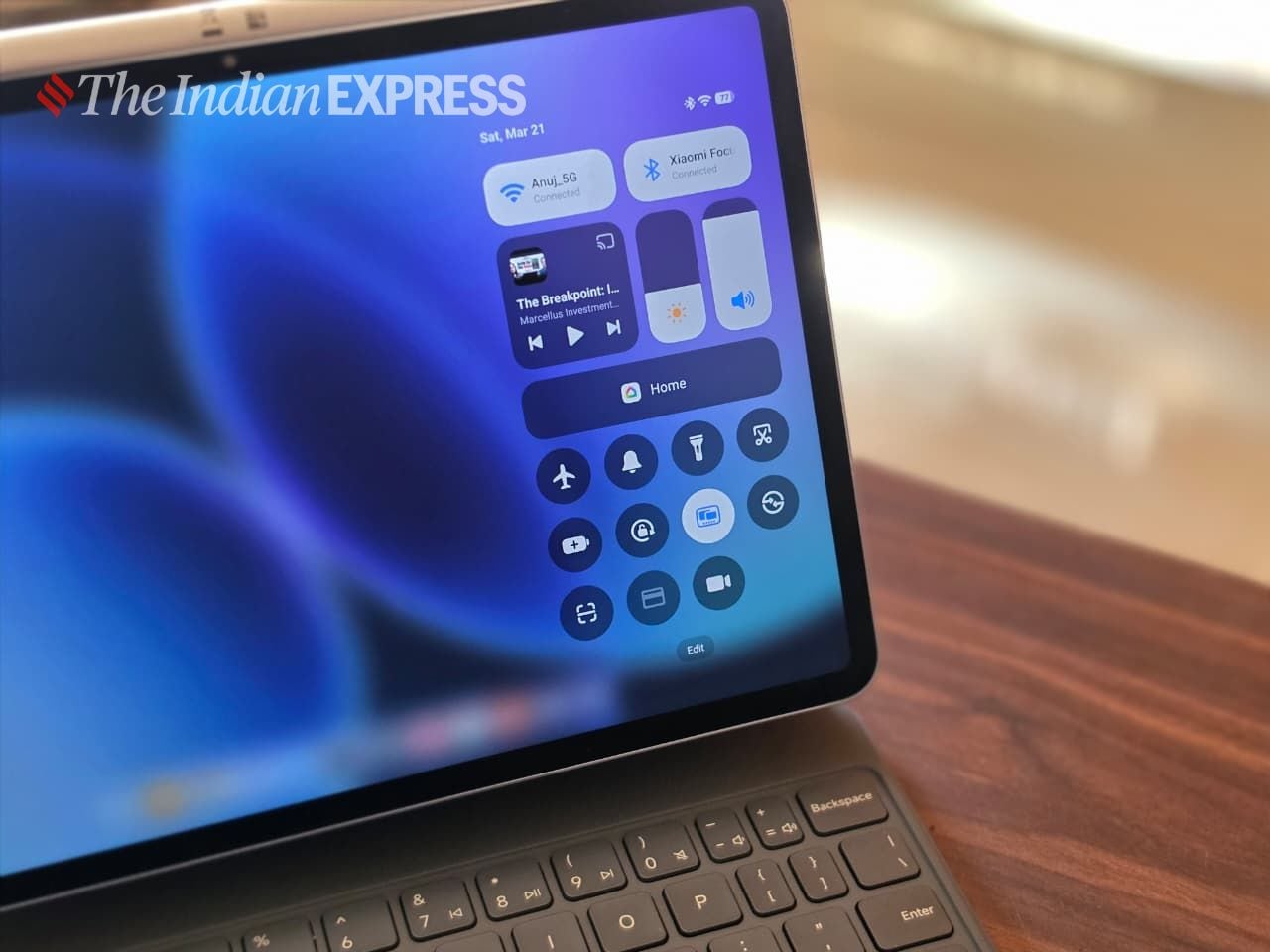 This Pad 8 is the perfect pick for streaming, reading, drawing, working, or gaming. (Image: Anuj Bhatia/The Indian Express)
The Xiaomi Pad 8 is the longest-lasting tablet I have tested in recent months, and it’s perfectly equipped to get you through a typical day of working, browsing, or doodling. The 9,200mAh battery lasts almost a full day with a mix of streaming and light productivity work but only if you are treating the tablet like a laptop, depending on what matters most to you. Personally, I have seen people using a tablet for an average of 2–3 hours a day.
The tablet runs Android 16 by default, with the company’s HyperOS 3 layered on top. Lately, I have been paying attention to HyperOS for its clear and intuitive interface. It’s a lot more customisable and, I feel, works better on tablets. One of my personal favourite features is Workstation Mode, which provides a PC-like experience (akin to macOS) with a taskbar and the ability to open multiple windows at once.
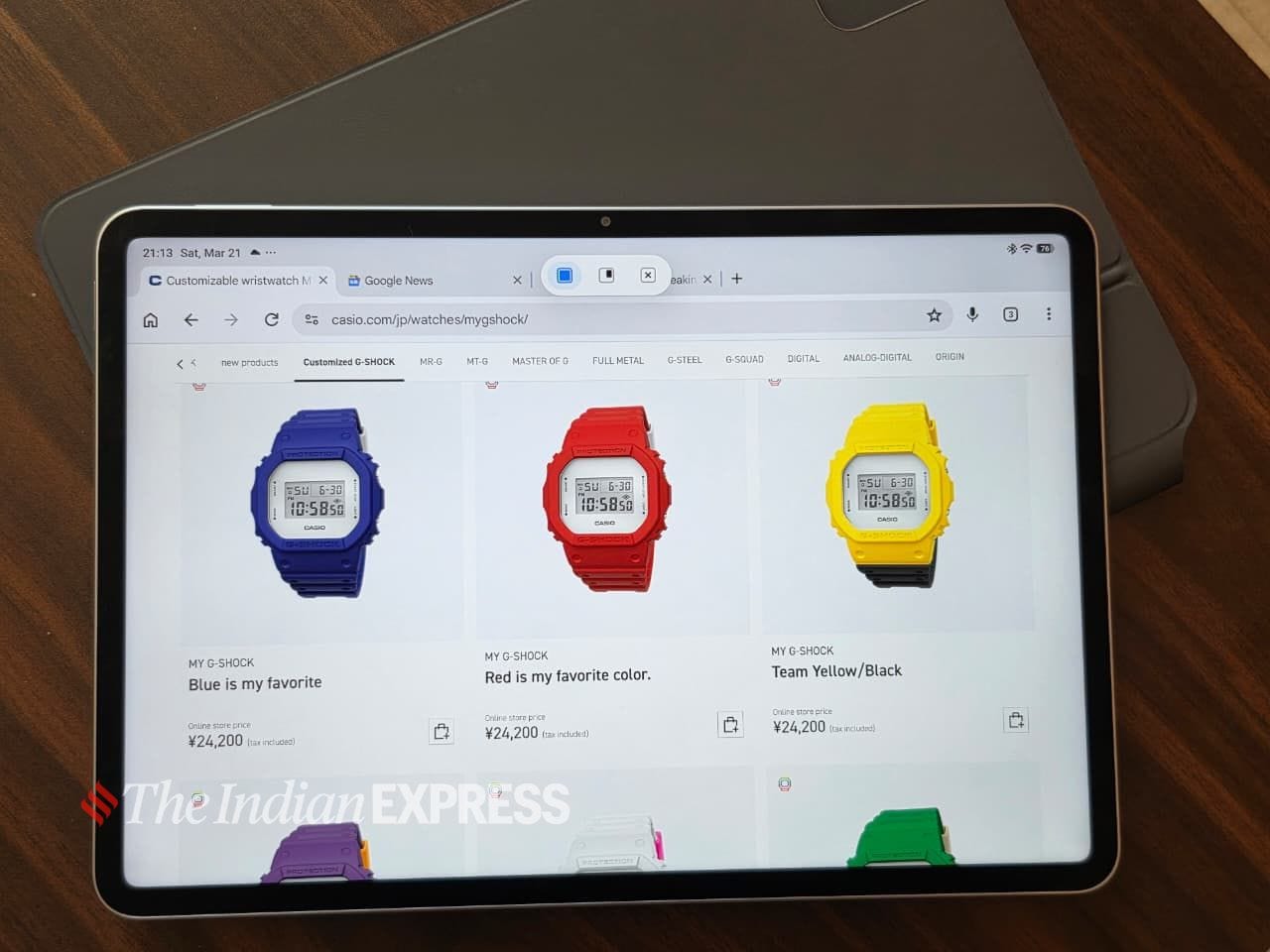 The 11.2-inch display has a 3:2 aspect ratio, making it wider. (Image: Anuj Bhatia/The Indian Express)
I found it much better than the standard tablet mode on typical Android tablets. However, a lot depends on the tablet’s hardware and its size. I also feel that you can only fully take advantage of Workstation Mode when you plug in a keyboard and mouse to the tablet.
Story continues below this ad
So, should you buy the Xiaomi Pad 8?
After spending a lot of time with the Xiaomi Pad 8, I still feel it’s closer to being a true laptop replacement, but it’s not quite there yet. That said, if your workload includes a lot of typing and multi-window multitasking, you will likely find yourself reaching for a laptop, as I did with my MacBook Air. Let me be clear: the Pad 8 is a tablet first and an occasional laptop replacement second, and the same is true of the Apple iPad.
FAQ
Is the Xiaomi Pad 8 good for students?
The Pad 8 is a great option for high school and college students, or anyone who wants a hybrid computing device. For me, the issue with the Pad 8 is the lack of expandable storage, which could be a major problem for students. The tablet also lacks SIM connectivity, something I wish Xiaomi had considered. Personally, I wouldn’t recommend the Pad 8 for primary school students, simply because of the cost, which increases further when you include the accessories.